 Figma
Figma
Brand guidelines, logos, an AI style guide, high-fidelity screens and a clickable prototype: the source of truth for the build.
- Brand guidelines
- Logos
- AI style guide
- Hi-fi screens
- Prototype
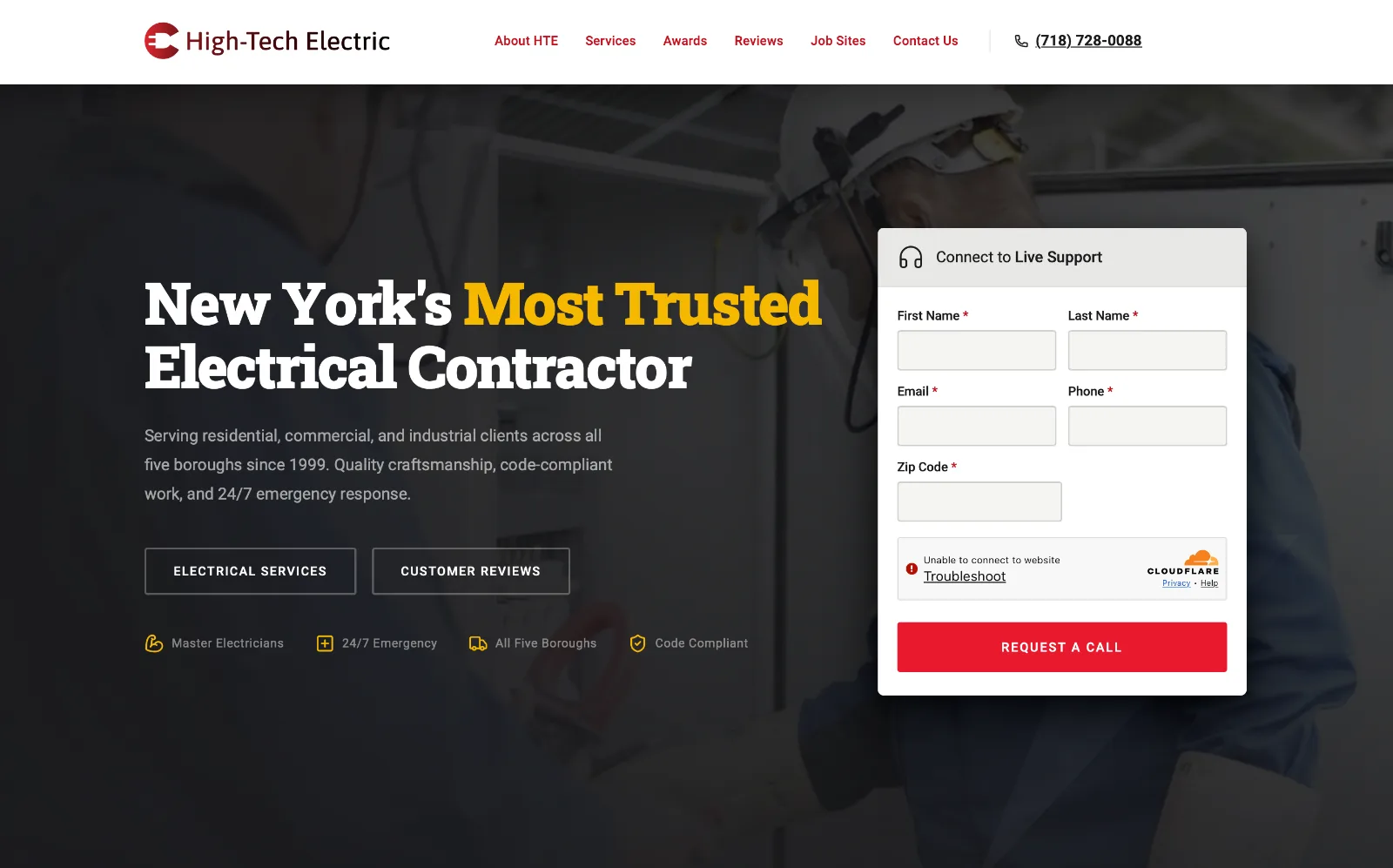
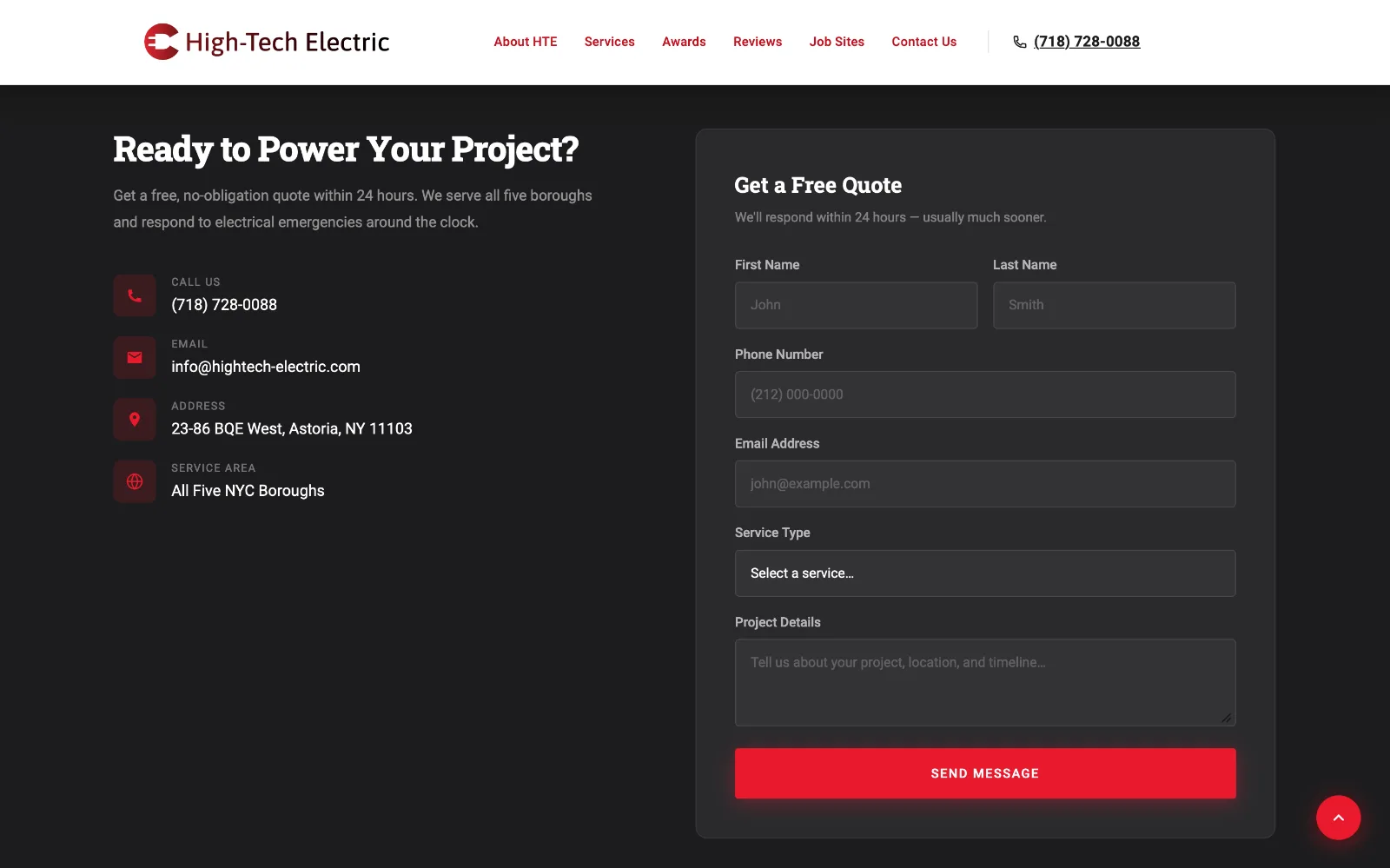
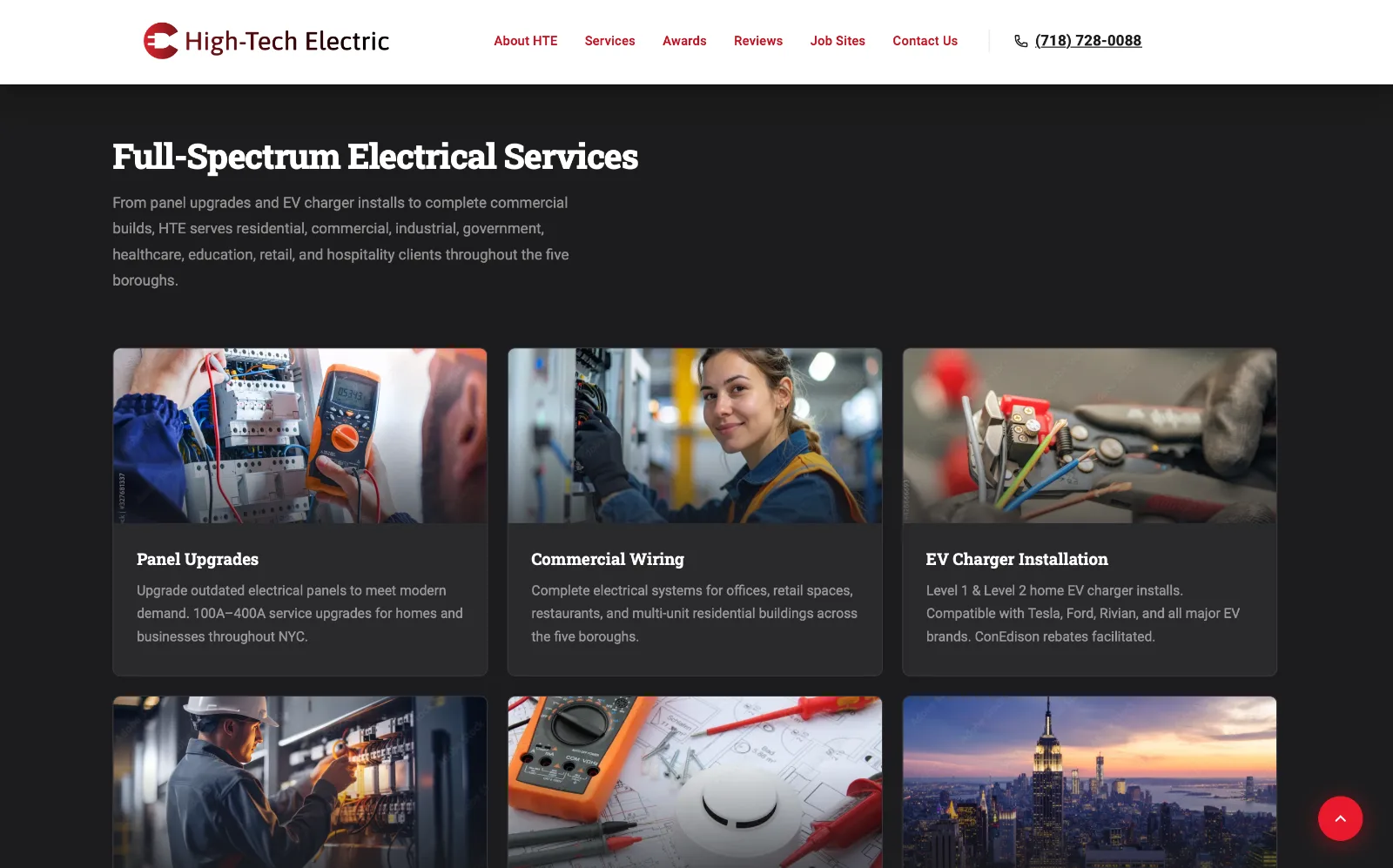
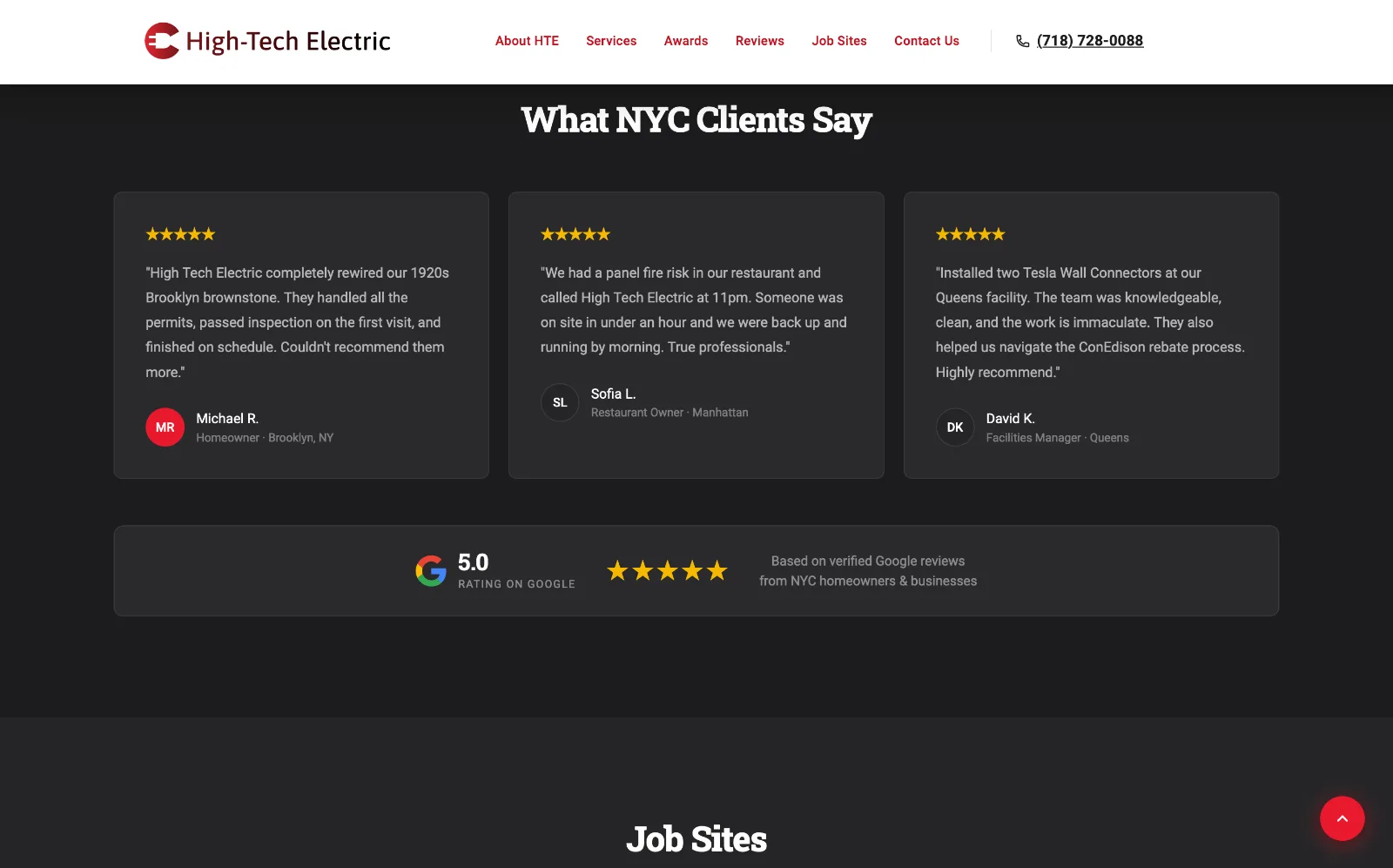
High-Tech Electric LLC is a licensed NY electrical contractor serving all five boroughs. I directed Claude Code and Codex to take the brand from blank page to a live, production-ready web app in two days, with no traditional design-to-dev handoff.
Learn MoreAfter 27 years and 2,500 projects across all five boroughs, High-Tech Electric had no web presence. Homeowners, property managers and contractors searching for a licensed NYC electrician couldn't find them, so a reputation built over decades wasn't reaching anyone online.
The project was a deliberate test: could one designer take a brand from blank page to production code by directing AI, with no development team and no traditional handoff? Everything had to be designed and built from the ground up.
A trusted NYC contractor needed to be found, and trusted, online from day one.
FigmaBrand guidelines, logos, an AI style guide, high-fidelity screens and a clickable prototype: the source of truth for the build.
 Claude Code
Wrote the entire front end from my Figma screens and style guide, then the interactions, motion and accessibility fixes as I refined them.
 Codex
CodexA second AI reviewer that checked Claude's work, so no code shipped on one model's word alone.
Accessible, fast and findable, by design.
Built to WCAG AA from the first screen: color contrast, keyboard access, screen reader labels and visible focus states.
People with an electrical emergency reach for their phone, so every layout starts small-screen first and stays lightweight to load fast.
Structured content and markup so High-Tech Electric shows up in Google, local search and AI-generated answers (SEO, GEO and AEO).
Every line of code written by AI, every design decision made by me, and every change checked by a second model.
Logo, palette, type and iconography designed in Figma.
The brand translated into a design.md spec Claude could follow.
Every screen and interaction designed and clickable in Figma.
Claude Code wrote the front end while I steered and refined.
Codex checked Claude's work, plus Puppeteer visual QA and accessibility testing.
Building the brand system first, then turning it into a design.md spec the AI could follow. Defining the brand was much more involved than what is shown here, but it gives a general idea.
The red of warning labels, breakers and emergency response: urgency and safety in one color.
On the site: Primary buttons and emergency calls to action.
Borrowed from hazard striping and hard hats: attention without alarm.
On the site: An accent across the brand guidelines and interface.
The black of electrical tape and panel housings: grounded, serious and professional.
On the site: Dark backgrounds that let red and gold carry the message.
Slab serifs echo work-truck lettering and industrial signage; Roboto keeps everything else clean and legible.
On the site: Slab for headlines, Roboto for body copy and UI.
One design.md spec turned the brand into rules the AI could follow.
The spec lived in the project root, so every AI session started from the same source of truth.
Every brand color and type style defined as a reusable token
How High-Tech Electric sounds, and the rules for writing like it
How buttons, cards, grids and spacing are built and arranged
WCAG AA rules for contrast, focus states, labels and keyboard use
Each journey is designed to end in a call or a quote. Pick one to walk through it.
Every service ends in one of these actions
In an emergency, the call button is never more than a glance away. If users are not ready to make the call, they can request a quote, browse services, or view photos of on-site work.
For a visitor in an emergency: an urgent electrical problem, usually on a phone, and they need help now.
How I briefed, steered and reviewed Claude Code and Codex, from first commit to working site.
Rather than letting the AI invent patterns, I had Claude Code spin up the first iteration from my brand guidelines, using Google's Material Design as the reference for components, patterns and interaction models.
I pointed Claude to Nielsen Norman Group research for usability best practices, so layout and interaction decisions rested on established UX principles, not guesswork.
W3C accessibility standards were part of the brief from day one, so contrast, semantics and keyboard support were built in rather than retrofitted.
The first build was a starting point. From there it was round after round of back-and-forth with Claude, fine-tuning layout, visual hierarchy and detail until every screen met the standard I set.
Tuning components, interactions and motion, and the moments I redirected the AI.
Fully responsive, desktop to mobile.
View Live SiteThe Connect to Live Support form is the main path to a call back, so every state had to be clear at a glance: no one in an emergency should have to guess what went wrong.
Switch the state
Motion guides attention and confirms actions, never decorates, and every animation respects the reduce-motion setting.
Visual QA, accessibility, performance and search, checked before launch.
He asked for a simple brochure site. He got a direct line to his customers.
The ask: a simple, brochure-type site to give the business visibility on the web.
What shipped: a fast, accessible, search-ready site with a live-support form that texts the contractor the moment a customer needs help.
The result: the owner was very happy with the end result.
What one designer and two AI models shipped.
Proved the workflow: one designer took a brand from blank page to production code, with no development team and no traditional handoff. Phase 2 will build on today's single page, divided into six sections, with deeper, more detailed content.
Show the phone number with tap-to-call when a request fails, so no emergency hits a dead end.
Reject numbers that can't be real before the request is sent, using the existing invalid-field pattern.
Layer in rate limiting first; add a one-time passcode only if spam gets through, and keep it off the emergency path.
Expand the single six-section page with more detailed content, giving search and AI answers more to work with as traffic grows.
Add analytics to the marketing plan, so budget follows the channels that bring in the most leads.
Reflection: Directing AI didn't replace design judgment; it raised the bar for it. My extensive understanding of art history and period-specific design aesthetics allowed me to vastly shorten the time from concept to high-fidelity mock. The biggest lesson wasn't speed; it was control. Grounding every session in a design.md spec with references to tone, design systems, UX best practices, and accessibility standards, then having Codex check the work, kept every decision mine.